Skip to Main Content

12 Tips to Create Inclusive & Accessible Hybrid Meetings


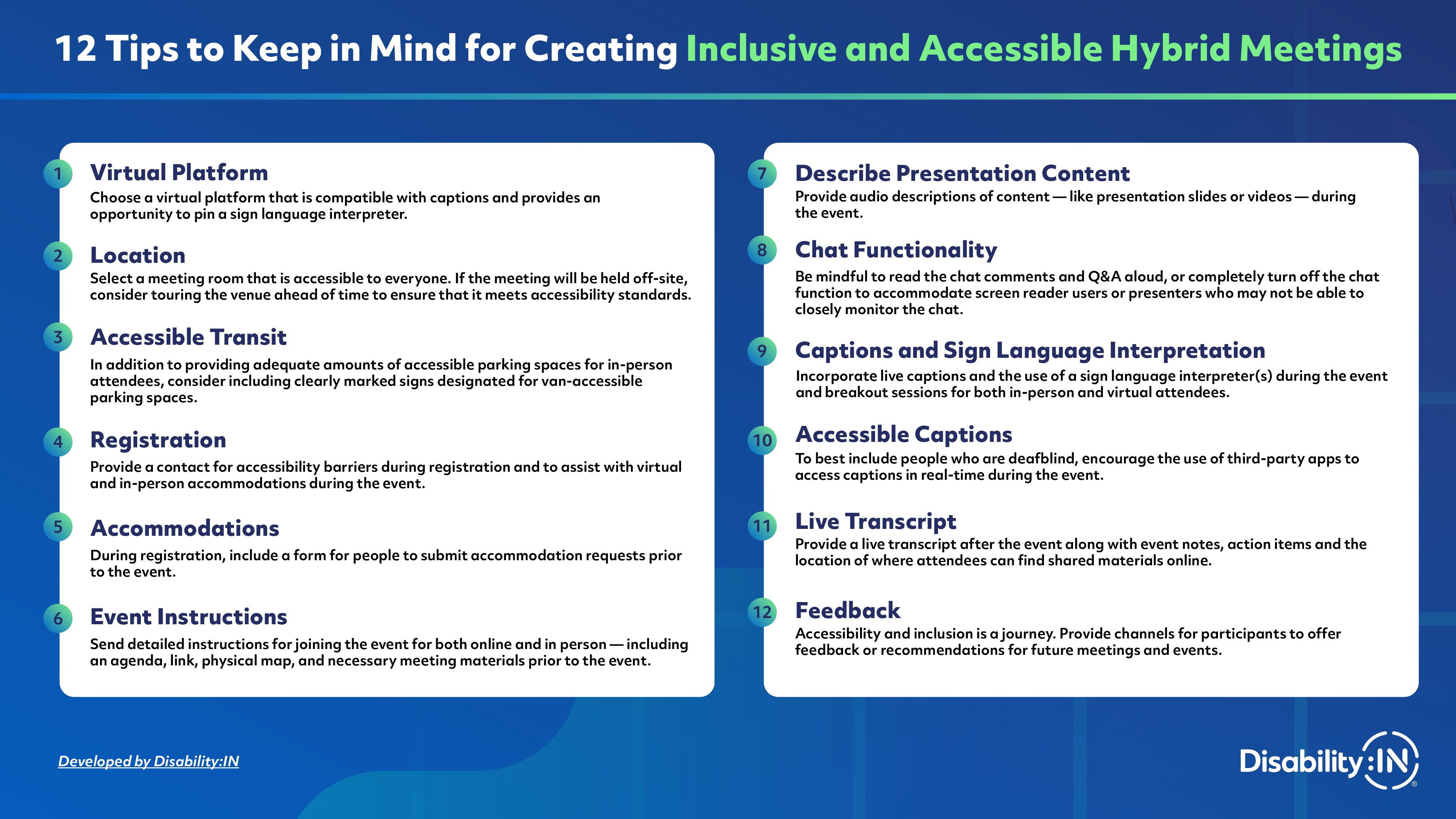
12 Tips to Keep in Mind for Creating Inclusive and Accessible Hybrid Meetings
1) Virtual Platform
Choose a virtual platform that is compatible with captions and provides an opportunity to pin a sign language interpreter.
2) Location
Select a meeting room that is accessible to everyone. If the meeting will be held off-site, consider touring the venue ahead of time to ensure that it meets accessibility standards.
3) Accessible Transit
In addition to providing adequate amounts of accessible parking spaces for in-person attendees, consider including clearly marked signs designated for van-accessible parking spaces.
4) Registration
Provide a contact for accessibility barriers during registration and to assist with virtual and in-person accommodations during the event.
5) Accommodations
During registration, include a form for people to submit accommodation requests prior to the event.
6) Event Instructions
Send detailed instructions for joining the event for both online and in person — including an agenda, link, physical map, and necessary meeting materials prior to the event.
7) Describe Presentation Content
Provide audio descriptions of content - like presentation slides or videos - during the event.
8) Chat Functionality
Be mindful to read the chat comments and Q&A aloud, or completely turn off the chat function to accommodate screen reader users or presenters who may not be able to closely monitor the chat.
9) Captions & Sign Language Interpretation
Incorporate live captions and the use of a sign language interpreter(s) during the event and breakout sessions for both in-person and virtual attendees.
10) Accessible Captions
To best include people who are deafblind, encourage the use of third-party apps to access captions in real-time during the event.
11) Live Transcript
Provide a live transcript after the event along with event notes, action items and the location of where attendees can find shared materials online.
12) Feedback
Accessibility and inclusion is a journey. Provide channels for participants to offer feedback or recommendations for future meetings and events.
Access the Resource

Discover Disability-Related Dates